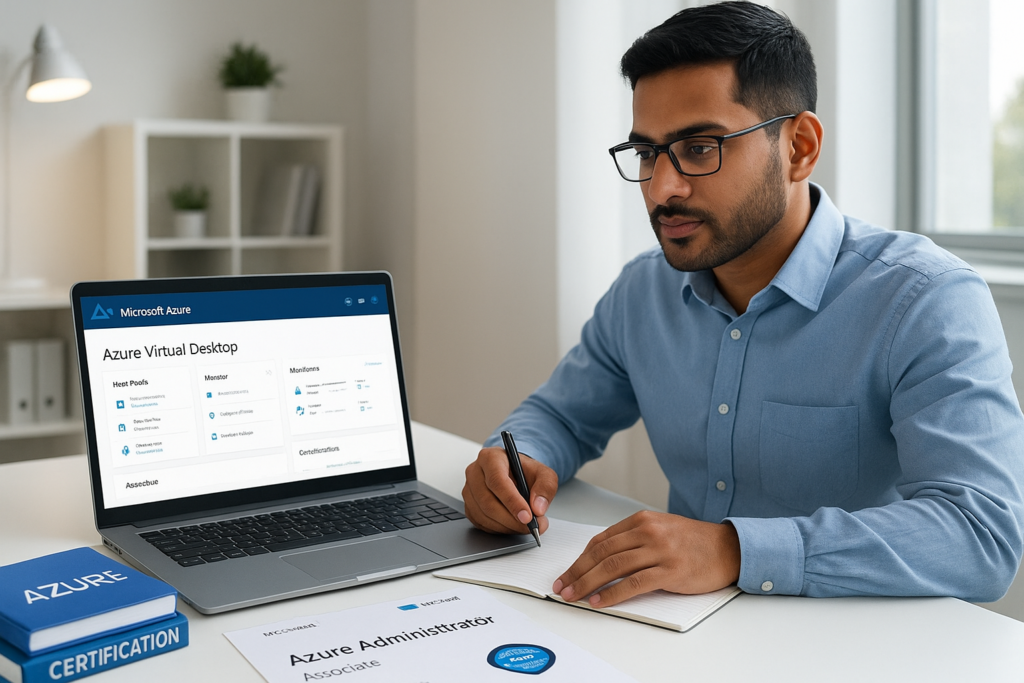
Microsoft Certified: Azure Virtual Desktop Specialty Study Guide 2026
Looking for the most effective microsoft certified: azure virtual desktop specialty study guide 2026? This comprehensive guide covers every aspect you need to master for the Azure Virtual Desktop Specialty exam, from detailed exam domains to proven study strategies. Whether you are just starting or aiming to refine your skills, this guide will help you structure your preparation and boost your confidence for exam day.
Table of Contents
- Exam details
- Exam domains
- Study resources
- Study plan
- Practice strategy
- Exam tips
- Common mistakes
- FAQ
- Conclusion
Exam details
The Microsoft Certified: Azure Virtual Desktop Specialty certification validates your expertise in planning, delivering, and managing virtual desktop experiences and remote apps, for any device, on Azure. Here are the essential details you need to know for the 2026 exam cycle:
| Exam Feature | Description |
|---|---|
| Certification Name | Microsoft Certified: Azure Virtual Desktop Specialty |
| Exam Code | AZ-140 |
| Format | Multiple choice, case studies, scenario-based questions |
| Duration | 150 minutes |
| Passing Score | 700/1000 |
| Prerequisites | Familiarity with Azure administration, virtualization, networking, and identity management |
| Languages | English (and others as available) |
| Registration | Via Microsoft Certification Dashboard |
Understanding these exam details is crucial for effective preparation. Make sure you meet the prerequisites and are aware of the exam structure before you begin your journey.
- Know the exam format and types of questions.
- Be aware of the time limit and passing score.
- Check language availability and schedule your exam early.
Exam domains
The microsoft certified: azure virtual desktop specialty study guide 2026 focuses on the following key domains. Each domain represents a critical area of knowledge and skills that you must master to pass the exam:
| Domain | Weight (%) | Key Skills |
|---|---|---|
| Plan an Azure Virtual Desktop Architecture | 20-25% | Design host pools, session hosts, and user profiles |
| Implement an Azure Virtual Desktop Infrastructure | 25-30% | Configure host pools, session hosts, and application groups |
| Manage Access and Security | 15-20% | Manage user access, security policies, and authentication |
| Manage User Environments and Apps | 20-25% | Configure user settings, FSLogix, and app delivery |
| Monitor and Maintain Azure Virtual Desktop Infrastructure | 10-15% | Monitor performance, troubleshoot, and optimize environments |
- Focus on high-weight domains for efficient study.
- Understand the core skills required for each area.
- Use practice questions to assess your readiness in each domain.
Study resources
To excel in the microsoft certified: azure virtual desktop specialty study guide 2026, it’s essential to use reliable and up-to-date study resources. Here are the top resources to guide your preparation:
- Official Microsoft Learn Modules for Azure Virtual Desktop
- Microsoft Documentation: Azure Virtual Desktop
- CertifHub’s comprehensive practice questions and study materials
- Hands-on Azure Portal Labs for practical experience
- Microsoft Tech Community and official forums
CertifHub offers a vast array of practice questions, detailed explanations, and up-to-date content tailored to the 2026 exam objectives. Combining official documentation with CertifHub’s targeted resources ensures a balanced and effective study approach.
| Resource | Description | Best For |
|---|---|---|
| CertifHub | 100+ practice questions, PDF downloads, domain-focused quizzes | Exam simulation, targeted practice |
| Microsoft Learn | Free online learning paths and modules | Conceptual understanding, official guidance |
| Azure Portal | Hands-on labs and sandbox environments | Practical skills, real-world scenarios |
| Documentation | In-depth technical articles and how-to guides | Reference, troubleshooting |
Study plan
Creating a structured study plan is a critical step in your microsoft certified: azure virtual desktop specialty study guide 2026 journey. A well-organized plan helps you cover all domains systematically and track your progress.
| Week | Focus Area | Activities |
|---|---|---|
| 1 | Exam Overview & Resources |
|
| 2-3 | Plan & Implement Architecture |
|
| 4 | Access & Security |
|
| 5 | User Environments & Apps |
|
| 6 | Monitoring & Troubleshooting |
|
| 7 | Review & Final Prep |
|
- Stick to your weekly goals for steady progress.
- Allow flexibility for deeper review where needed.
- Use practice exams to simulate real test conditions.
Practice strategy
Consistent practice is the foundation of success in the microsoft certified: azure virtual desktop specialty study guide 2026. Here’s how to maximize your practice efforts:
- Utilize CertifHub’s 100+ practice questions to cover every domain.
- Take timed quizzes to build speed and confidence.
- Analyze explanations to understand reasoning behind correct answers.
- Download PDF questions for offline review and flexibility.
- Simulate exam conditions with full-length mock exams.
Practice is not just about answering questions—it’s about learning from mistakes, identifying patterns, and reinforcing knowledge. CertifHub’s realistic practice environment ensures you are fully prepared for the types and formats of questions you’ll face on exam day.
Exam tips
Success in the microsoft certified: azure virtual desktop specialty study guide 2026 requires more than just knowledge. Here are proven tips to help you excel:
- Read each question carefully and watch for subtle details.
- Don’t spend too long on a single question; flag and return if needed.
- Use the process of elimination for tricky multiple-choice items.
- Apply real-world experience to scenario-based questions.
- Review your answers if time permits before submitting.
Preparation and a calm, methodical approach on exam day will help you maximize your score and achieve certification success.
Common mistakes
Understanding common pitfalls can help you avoid them during your microsoft certified: azure virtual desktop specialty study guide 2026 preparation:
- Neglecting lower-weight domains, which may still appear on the exam
- Relying solely on reading without sufficient hands-on practice
- Skipping official documentation and updates
- Overlooking time management during practice exams
- Not reviewing incorrect answers to learn from mistakes
By being aware of these mistakes, you can adjust your study habits and improve your chances of passing on your first attempt.
FAQ
Q: How many questions are on the Microsoft Certified: Azure Virtual Desktop Specialty exam?
A: The number varies, but you can expect approximately 40–60 questions, including multiple-choice, case studies, and scenario-based items.
Q: Is hands-on Azure experience required?
A: While not mandatory, hands-on experience is highly recommended for understanding real-world scenarios and troubleshooting.
Q: How often is the exam updated?
A: Microsoft reviews and updates the exam content regularly to reflect changes in Azure services and best practices. Always check the official site and CertifHub for the latest updates.
Q: Can I retake the exam if I don’t pass?
A: Yes, Microsoft allows retakes after a waiting period. Review your results and focus on weak areas before attempting again.
Conclusion
The microsoft certified: azure virtual desktop specialty study guide 2026 is your comprehensive roadmap to certification success. By understanding the exam structure, focusing on key domains, using trusted resources like CertifHub, and following a structured study plan, you can maximize your chances of passing the exam on your first attempt. Remember, consistent practice and hands-on experience are the keys to mastering Azure Virtual Desktop concepts. Start your journey today and take the next step in your cloud career with confidence!
Practice with Realistic Exam Questions
Unlock access to over 100+ expertly crafted practice questions for the Microsoft Certified: Azure Virtual Desktop Specialty exam. Each question is designed to mirror the real exam format, helping you build familiarity and confidence.
Practicing with CertifHub gives you detailed explanations for every answer, so you can learn from mistakes and reinforce your understanding of key concepts. Whether you’re focusing on a specific domain or taking full-length mock exams, CertifHub adapts to your learning needs.
Join a growing community of exam candidates who trust CertifHub for up-to-date, realistic preparation materials. Take the next step toward certification success and start practicing today!
Expand Your Practice Strategy
In addition to using CertifHub’s practice questions, diversify your study approach by scheduling regular review sessions, setting weekly goals, and leveraging both digital and offline resources. Downloading PDF questions allows you to practice on the go, making it easier to fit study sessions into your busy schedule.
Don’t hesitate to revisit challenging domains and seek clarification through official Microsoft documentation or community forums. The more exposure you have to real-world scenarios and troubleshooting exercises, the better prepared you’ll be for the exam’s scenario-based questions.
Mini FAQ Expansion
- How should I allocate my study time? Prioritize high-weight domains but ensure you review all topics at least once. Use CertifHub analytics to identify areas for improvement.
- What is the best way to review missed questions? Analyze explanations, revisit related concepts, and retake similar practice questions until you consistently answer correctly.
- How soon should I schedule my exam? Once you consistently score above 80% on CertifHub practice exams, you’re likely ready to book your test date with confidence.
Final Summary
Preparing for the Microsoft Certified: Azure Virtual Desktop Specialty exam in 2026 is a journey that requires commitment, strategy, and access to high-quality resources. CertifHub provides everything you need to simulate the exam experience, track your progress, and identify knowledge gaps. By combining regular practice with a structured study plan and leveraging both online and offline materials, you’ll be well-equipped to achieve certification success. Start your preparation today and move forward in your Azure career!
Download Free Practice Exam PDF
Enhance your preparation with a free PDF download containing 10+ carefully selected Microsoft Certified: Azure Virtual Desktop Specialty practice questions. This resource is ideal for offline study and last-minute review sessions.
CertifHub’s PDF practice set mirrors the latest exam objectives, allowing you to test your knowledge and reinforce key concepts wherever you are. Use it to identify weak areas and ensure thorough coverage of all domains.
Don’t miss out on this valuable resource. Download your free PDF today and take your exam preparation to the next level!