
AWS Certified Solutions Architect Associate · Free Practice Question Medium
Question 47
A software company manages a fleet of Amazon EC2 instances that support internal analytics applications. These instances use an IAM role with custom policies to connect to Amazon RDS and AWS Secrets Manager for secure access to credentials and database endpoints. The IT operations team wants to implement a centralized patch management solution that simplifies compliance and security tasks. Their goal is to automate OS patching across EC2 instances without disrupting the running applications.
Which approach will allow the company to meet these goals with the least administrative overhead?
-
A
Detach the existing IAM role from all EC2 instances. Replace it with a new role that has both the original permissions and the AmazonSSMManagedInstanceCore policy to enable Systems Manager features
-
B
Create a second IAM role with the AmazonSSMManagedInstanceCore policy and attach both the new and the existing IAM roles to each EC2 instance using Systems Manager Hybrid Activation
-
C
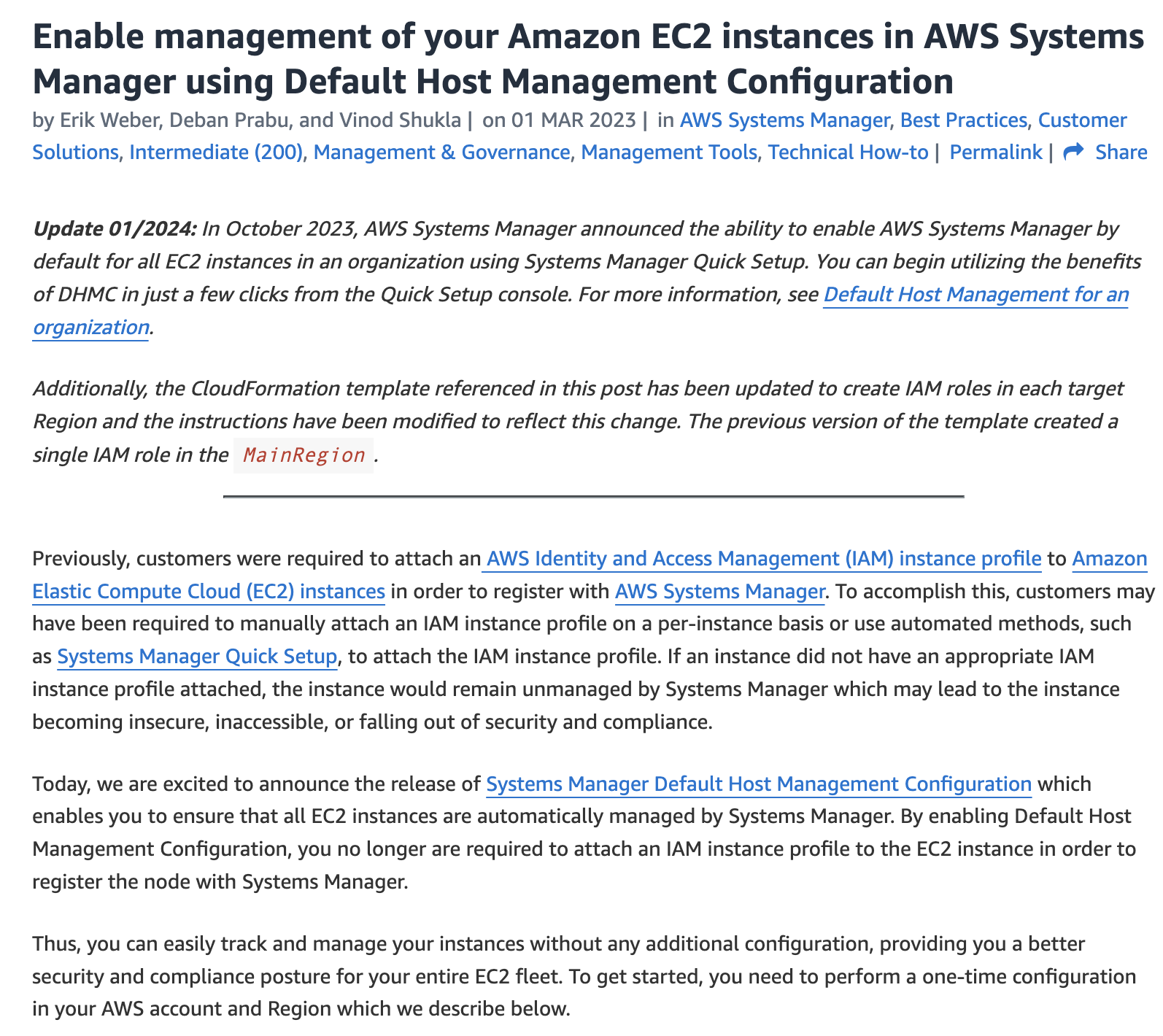
Enable Default Host Management Configuration in AWS Systems Manager Quick Setup
-
D
Manually install the Systems Manager Agent (SSM Agent) on each EC2 instance. Schedule daily patch jobs using cron scripts
Reveal correct answer
Correct answer: C
Explanation
Correct option:
Enable Default Host Management Configuration in AWS Systems Manager Quick Setup
This is the simplest and most reliable solution that aligns with the company's requirement for zero disruption and minimal administrative effort. AWS Systems Manager’s Default Host Management Configuration (part of Quick Setup) automatically applies the necessary Systems Manager permissions, activates inventory collection, and enables patching without needing to alter existing IAM roles manually. It simplifies onboarding by using AWS best practices and auto-configures EC2 instances with the required SSM settings behind the scenes.
Incorrect options:
Create a second IAM role with the AmazonSSMManagedInstanceCore policy and attach both the new and the existing IAM roles to each EC2 instance using Systems Manager Hybrid Activation - Hybrid Activations are designed for non-EC2 resources or on-premises servers, not for managing standard EC2 instances within an AWS account. EC2 instances can only be attached to one IAM role at a time, making the dual-role approach unfeasible. This method adds unnecessary complexity and does not align with standard AWS EC2 management practices.
Manually install the Systems Manager Agent (SSM Agent) on each EC2 instance. Schedule daily patch jobs using cron scripts - Manually scripting patching operations using cron jobs introduces high operational overhead and does not leverage native AWS integrations. This method lacks scalability, centralized compliance reporting, and the benefit of automated remediation provided by Systems Manager.
Detach the existing IAM role from all EC2 instances. Replace it with a new role that has both the original permissions and the AmazonSSMManagedInstanceCore policy to enable Systems Manager features - Detaching and replacing the existing IAM role risks disrupting application functionality that depends on the role’s current policies (e.g., RDS access). This introduces downtime and manual changes to launch templates or running instances, violating the requirement to avoid disruption.
References:
https://docs.aws.amazon.com/systems-manager/latest/userguide/quick-setup-host-management.html
https://docs.aws.amazon.com/IAM/latest/UserGuide/id_roles_use_switch-role-ec2.html
Discussion
Think the marked answer is wrong, or have a better explanation? Share it below — comments appear after review.

