
AWS Certified Security Specialty · Free Practice Question Medium
Question 8
A financial services company recently faced a security event resulting in an S3 bucket with sensitive data containing Personally Identifiable Information (PII) for customers being made public. The company policy mandates never to have public S3 objects so the Governance and Compliance team must be notified immediately as soon as any public objects are identified. The company has hired you as an AWS Certified Security Specialist to help build a solution that detects the presence of a public S3 object, which in turn sets off an alarm to trigger notifications and then automatically remediate the said object.
Which of the following solutions would you combine to address the requirements of the given use case? (Select two)
-
A
Configure a Lambda function as one of the SNS topic subscribers, which is invoked to secure the objects in the S3 bucket
-
B
Enable object-level logging for S3. When a PutObject API call is made with public-read permission, use S3 event notifications to trigger a Lambda that sends a notification via SNS
-
C
Enable object-level logging for S3. Set up an EventBridge event pattern when a PutObject API call with public-read permission is detected in the AWS CloudTrail logs and set the target as an SNS topic for downstream notifications
-
D
Leverage AWS Trusted Advisor to check for S3 bucket public-read permissions and invoke a Lambda function to send a notification via SNS as soon as a public object is uploaded
-
E
Leverage AWS Access Analyzer to check for S3 bucket public-read permissions and invoke a Lambda function to send a notification via SNS as soon as a public object is uploaded
Reveal correct answers
Correct answers: A, C
Explanation
Correct options:
Configure a Lambda function as one of the SNS topic subscribers, which is invoked to secure the objects in the S3 bucket
Enable object-level logging for S3. Set up an EventBridge event pattern when a PutObject API call with public-read permission is detected in the AWS CloudTrail logs and set the target as an SNS topic for downstream notifications
You can enable object-level logging for an S3 bucket to send logs to CloudTrail for object-level API operations such as GetObject, DeleteObject, and PutObject. These events are called data events. By default, CloudTrail trails don't log data events, but you can configure trails to log data events for S3 buckets that you specify, or to log data events for all the Amazon S3 buckets in your AWS account.
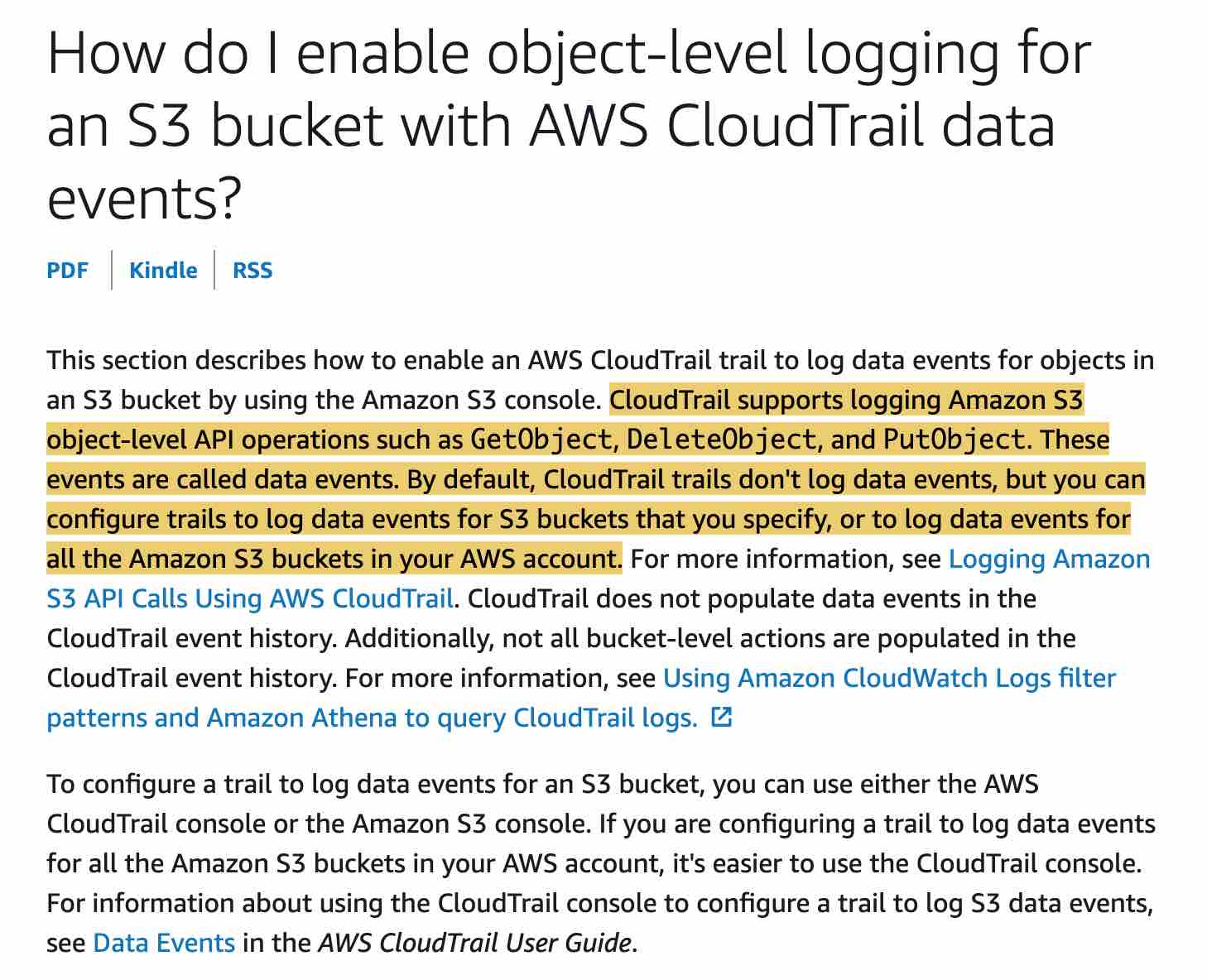
You need to further configure an EventBridge event-pattern based rule to analyze the CloudTrail logs for S3 PutObject API call with public-read permissions. The target for this rule can be set as an SNS topic. The SNS would send the notification via an email or SMS as soon as a public object is detected. Moreover, the SNS topic is also subscribed by a Lambda function which runs custom code to secure the objects in the S3 bucket.
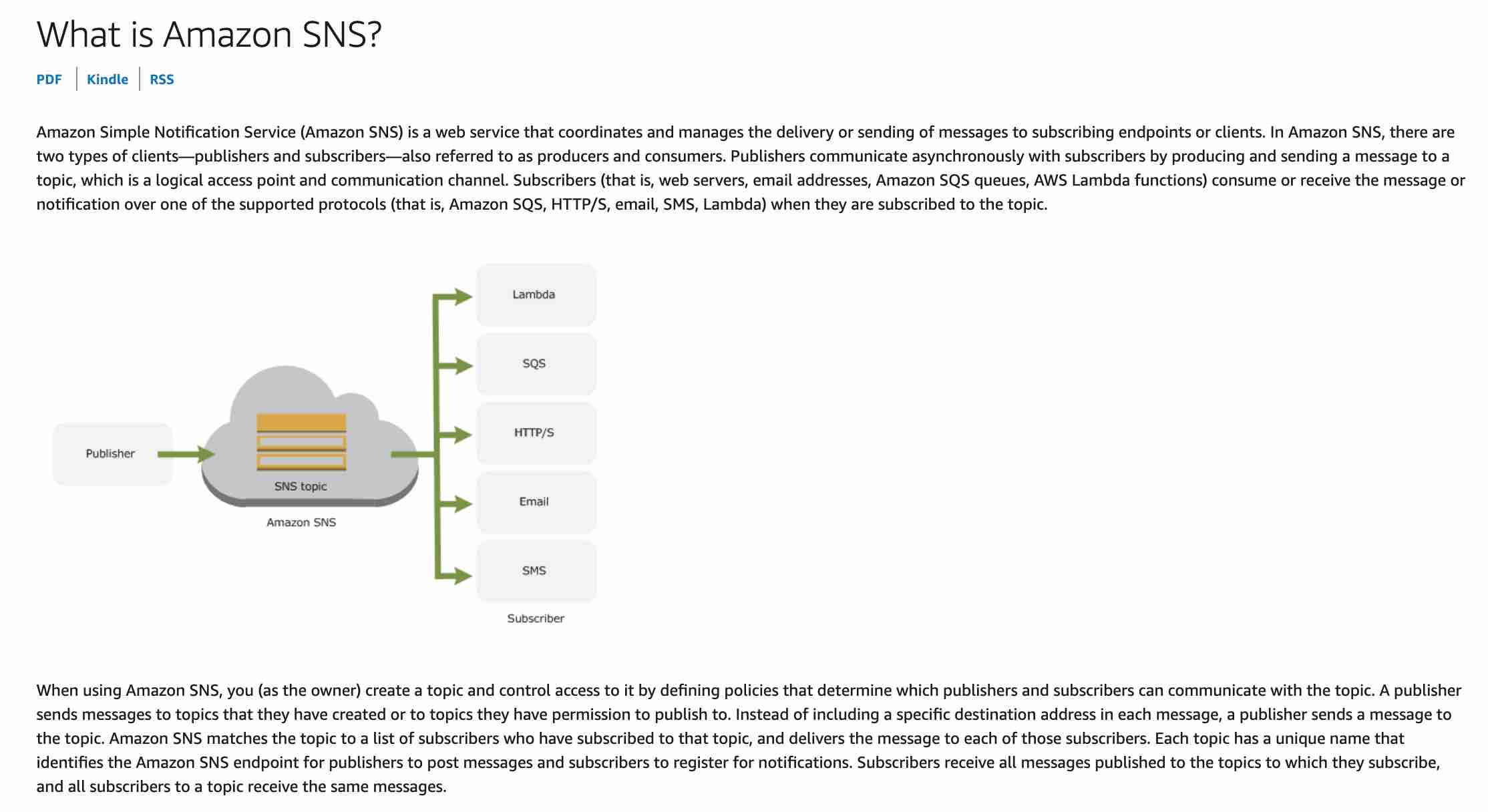
Incorrect options:
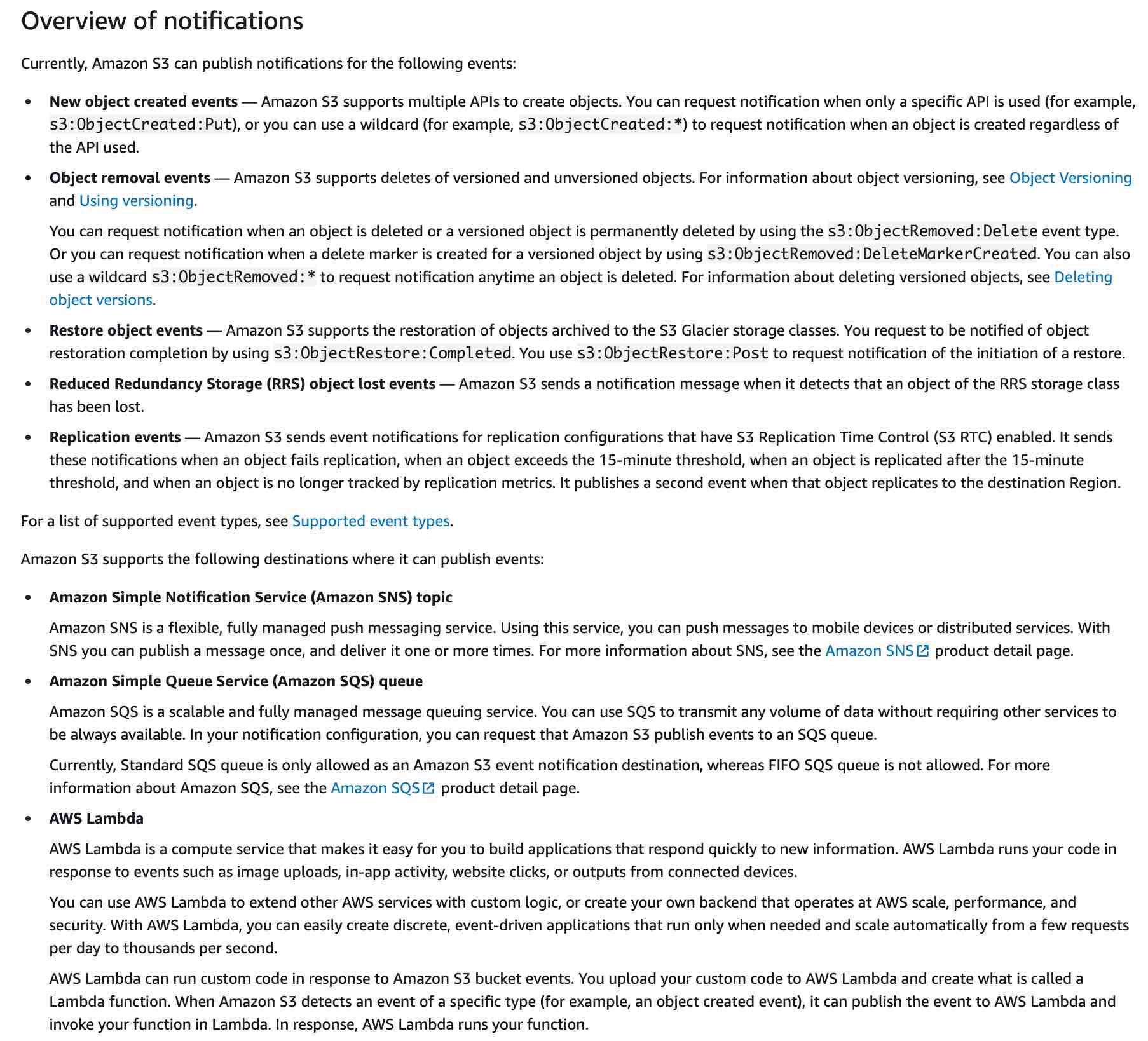
Enable object-level logging for S3. When a PutObject API call is made with public-read permission, use S3 event notifications to trigger a Lambda that sends a notification via SNS - S3 event notification allows you to receive notifications when certain events happen in your bucket. To enable notifications, you must first add a notification configuration that identifies the events you want Amazon S3 to publish and the destinations where you want Amazon S3 to send the notifications. S3 can publish notifications for the new create object events.
You can request notification when only a specific API is used (for example, s3:ObjectCreated:Put), or you can use a wildcard (for example, s3:ObjectCreated:*), however, you cannot check if the API call was made with public-read permission. So, this option is incorrect.
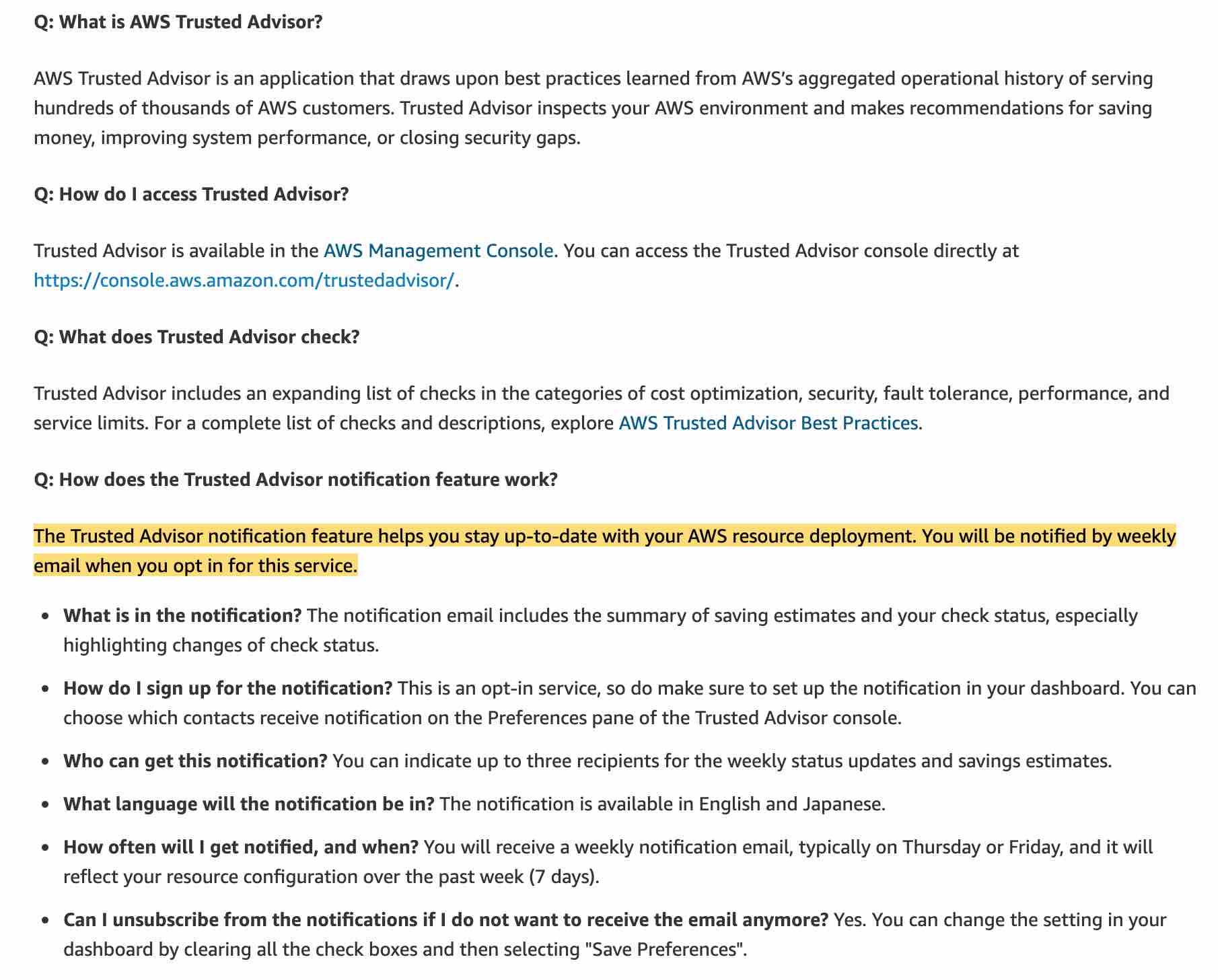
Leverage AWS Trusted Advisor to check for S3 bucket public-read permissions and invoke a Lambda function to send a notification via SNS as soon as a public object is uploaded - Trusted Advisor is an application that inspects your AWS environment and makes recommendations for saving money, improving system performance, or closing security gaps. The Trusted Advisor notification feature helps you stay up-to-date with your AWS resource deployment. However, you will only be notified by weekly email when you opt-in for this service, so this does not meet the key requirement for the use case wherein the notification should be sent as soon as a public object is uploaded. Also, Trusted Advisor just checks buckets in Amazon Simple Storage Service (Amazon S3) that have open access permissions. It cannot be used for near real-time detection of a new public object uploaded on S3.
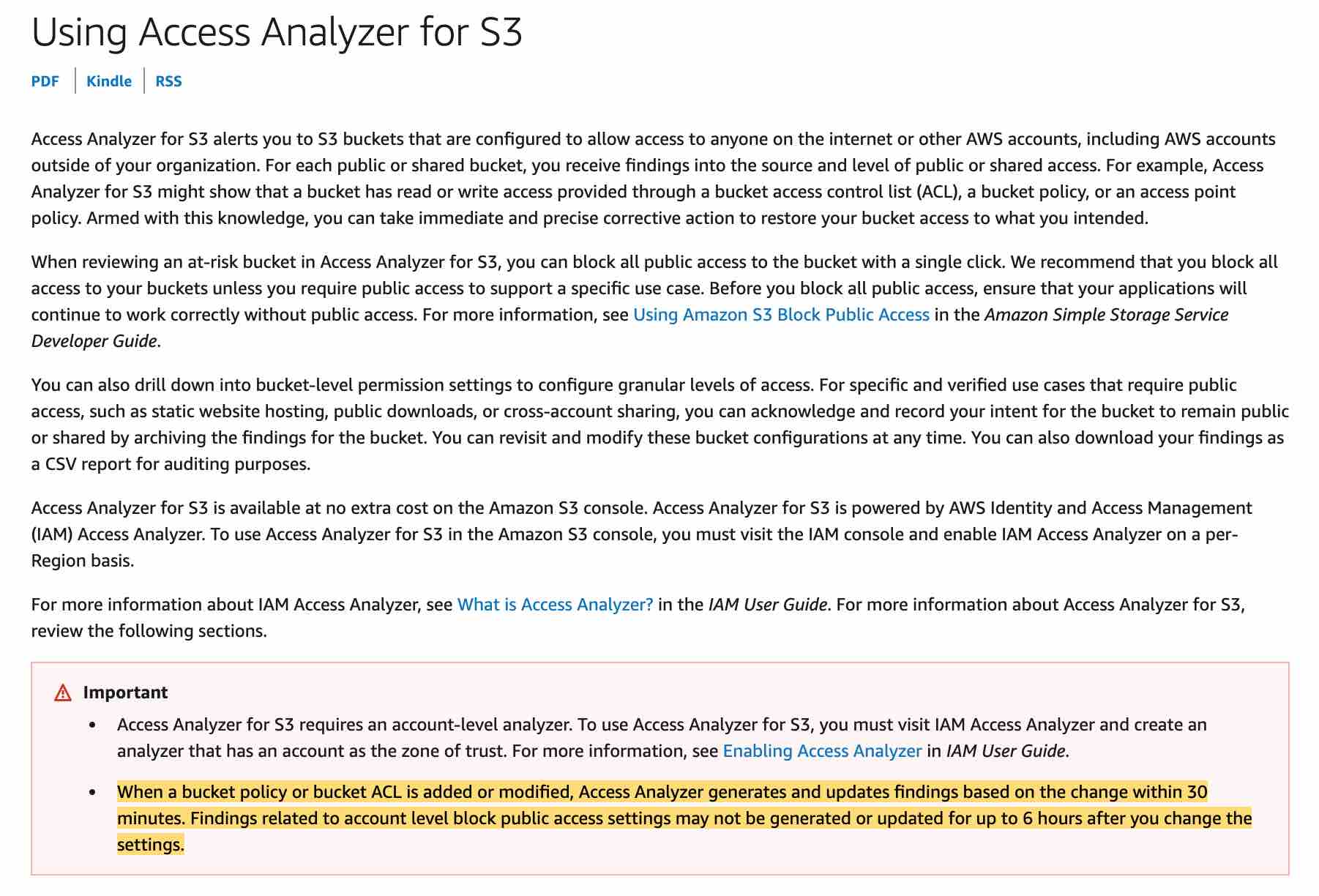
Leverage AWS Access Analyzer to check for S3 bucket public-read permissions and invoke a Lambda function to send a notification via SNS as soon as a public object is uploaded - You can use AWS Access Analyzer to receive findings into the source and level of public or shared access for each public or shared bucket. For example, Access Analyzer for S3 might show that a bucket has read or write access provided through a bucket access control list (ACL), a bucket policy, or an access point policy. It cannot be used for near real-time detection of a new public object uploaded on S3. Additionally, you cannot invoke a Lambda function from Access Analyzer. The findings for Access Analyzer are available within the AWS Console or they can be downloaded in a CSV report.
References:
https://docs.aws.amazon.com/AmazonS3/latest/user-guide/enable-cloudtrail-events.html
https://docs.aws.amazon.com/sns/latest/dg/welcome.html
https://docs.aws.amazon.com/AmazonS3/latest/dev/NotificationHowTo.html
https://aws.amazon.com/premiumsupport/faqs/
https://docs.aws.amazon.com/AmazonS3/latest/user-guide/access-analyzer.html
Discussion
Think the marked answer is wrong, or have a better explanation? Share it below — comments appear after review.

