
AWS Certified Machine Learning Engineer Associate · Free Practice Question Medium
Question 35
You are a machine learning engineer at a healthcare startup that uses an Amazon SageMaker endpoint to deliver real-time diagnostics based on patient data. The model needs to handle a high volume of requests with low latency to ensure timely results. Recently, the startup has experienced rapid growth, leading to occasional periods of high traffic where users experience increased latency and, in some cases, request timeouts. You also need to be mindful of cost, as the startup operates on a tight budget.
Which approach is the MOST EFFECTIVE for troubleshooting and resolving the capacity concerns while balancing cost and performance?
-
A
Use AWS Lambda with provisioned concurrency to handle the requests, ensuring that the function is always ready to serve traffic. Configure Lambda to auto-scale based on traffic but limit the maximum concurrency to control costs
-
B
Request a service quota increase for the SageMaker endpoint to allow for more instances during peak traffic, and set up a CloudWatch Alarm to notify you when utilization exceeds 80% of the current quota
-
C
Increase the instance size for the SageMaker endpoint to handle more requests per instance, and manually monitor performance and costs using Amazon CloudWatch metrics
-
D
Enable auto-scaling for the SageMaker endpoint to automatically adjust the number of instances based on request load, and set a budget alert in AWS Budgets to monitor cost increases as traffic scales
Reveal correct answer
Correct answer: D
Explanation
Correct option:
Enable auto-scaling for the SageMaker endpoint to automatically adjust the number of instances based on request load, and set a budget alert in AWS Budgets to monitor cost increases as traffic scales
Enabling auto-scaling on the SageMaker endpoint allows the system to automatically adjust the number of instances based on incoming traffic, ensuring that it can handle spikes without degrading performance. With a target tracking scaling policy, you choose an Amazon CloudWatch metric and target value. Auto scaling creates and manages the CloudWatch alarms for the scaling policy and calculates the scaling adjustment based on the metric and the target value. The policy adds and removes the number of instances as required to keep the metric at, or close to, the specified target value. For example, a scaling policy that uses the predefined InvocationsPerInstance metric with a target value of 70 can keep InvocationsPerInstance at, or close to 70.
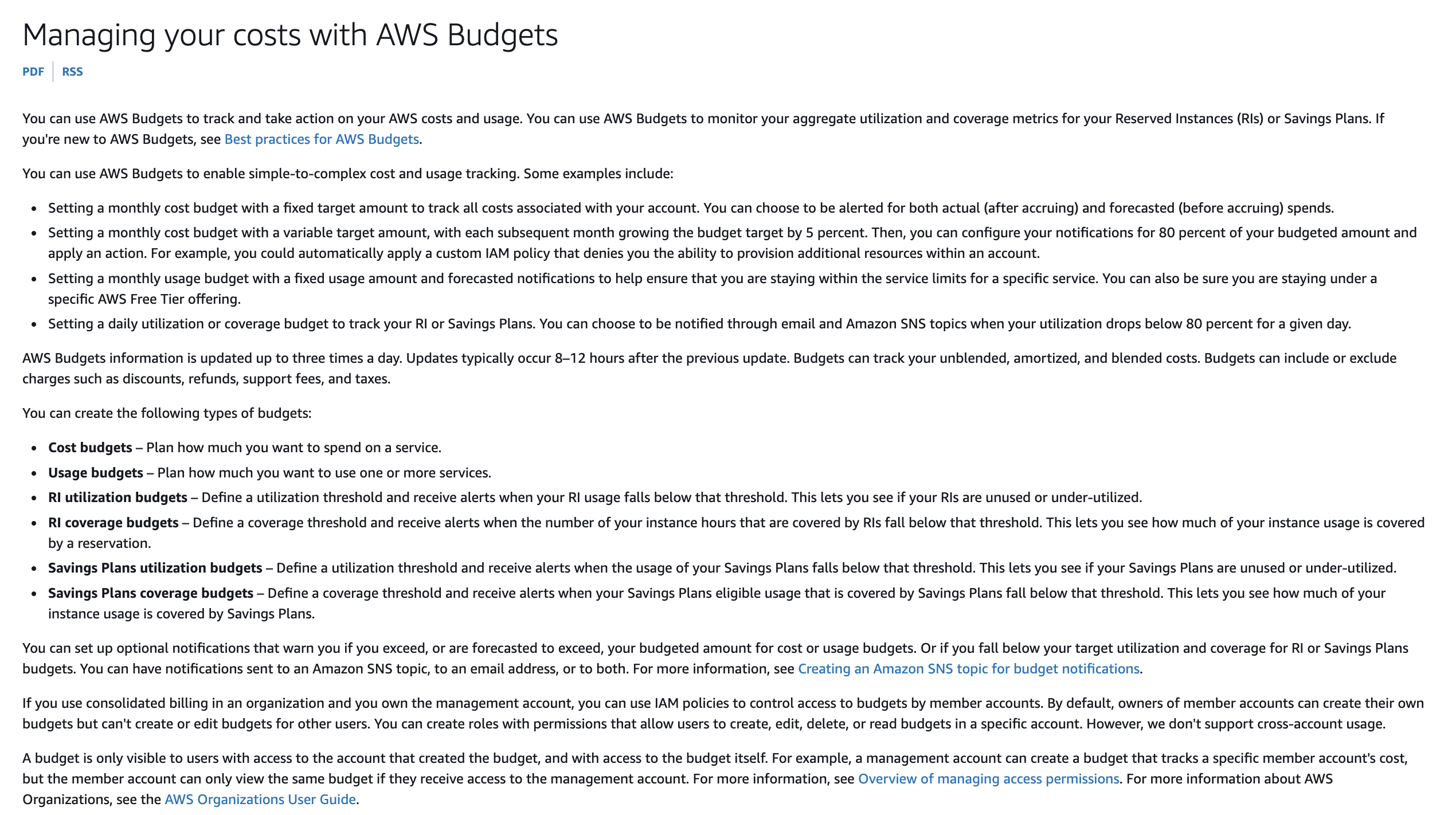
By setting up a budget alert in AWS Budgets, you can monitor cost increases and ensure that scaling does not exceed your budget. This approach provides a balance between performance and cost, allowing the system to scale dynamically while keeping expenses in check.
Incorrect options:
Increase the instance size for the SageMaker endpoint to handle more requests per instance, and manually monitor performance and costs using Amazon CloudWatch metrics - Increasing the instance size might temporarily address performance issues, but it is less flexible and could lead to over-provisioning, resulting in unnecessary costs during periods of low traffic. Manual monitoring is also less efficient and can lead to delays in addressing issues.
Use AWS Lambda with provisioned concurrency to handle the requests, ensuring that the function is always ready to serve traffic. Configure Lambda to auto-scale based on traffic but limit the maximum concurrency to control costs - Provisioned concurrency is a feature that keeps Lambda functions initialized and hyper-ready to respond in double-digit milliseconds. This is ideal for implementing interactive services, such as web and mobile backends, latency-sensitive microservices, or synchronous APIs. Using AWS Lambda with provisioned concurrency is suitable for serverless workloads, but it may not be the best fit for a SageMaker model that requires consistent performance at scale. Additionally, limiting concurrency to control costs could lead to performance bottlenecks during high-traffic periods.
Request a service quota increase for the SageMaker endpoint to allow for more instances during peak traffic, and set up a CloudWatch Alarm to notify you when utilization exceeds 80% of the current quota - Your AWS account has default quotas, formerly referred to as limits, for each AWS service. Requesting a service quota increase can help if the current quota is a limiting factor, but it doesn’t directly address cost control or the need for dynamic scaling. It’s a reactive approach that doesn’t provide the flexibility of auto-scaling combined with budget monitoring.
References:
https://docs.aws.amazon.com/sagemaker/latest/dg/endpoint-auto-scaling-prerequisites.html
https://docs.aws.amazon.com/cost-management/latest/userguide/budgets-managing-costs.html
https://aws.amazon.com/blogs/aws/new-provisioned-concurrency-for-lambda-functions/
https://docs.aws.amazon.com/general/latest/gr/aws_service_limits.html
Discussion
Think the marked answer is wrong, or have a better explanation? Share it below — comments appear after review.

