
AWS Certified Advanced Networking Specialty · Free Practice Question Medium
Question 4
A developer has configured a private hosted zone using Route 53. The developer needs to configure health checks for record sets within the private hosted zone that are associated with EC2 instances.
How can the developer build a solution to address the given use-case?
-
A
Set up a Route 53 health check that monitors an SNS topic which in turn notifies a CloudWatch alarm when the EC2 StatusCheckFailed metric fails
-
B
Set up a CloudWatch metric that checks the status of the EC2 StatusCheckFailed metric, add an alarm to the metric, and then configure a health check that monitors the state of the alarm
-
C
Set up a CloudWatch metric that checks the status of the EC2 StatusCheckFailed metric and then configure a health check that monitors the status of the metric
-
D
Set up a Route 53 health check to a private IP associated with the instances inside the VPC to be checked
Reveal correct answer
Correct answer: B
Explanation
Correct option:
Set up a CloudWatch metric that checks the status of the EC2 StatusCheckFailed metric, add an alarm to the metric, and then configure a health check that monitors the state of the alarm
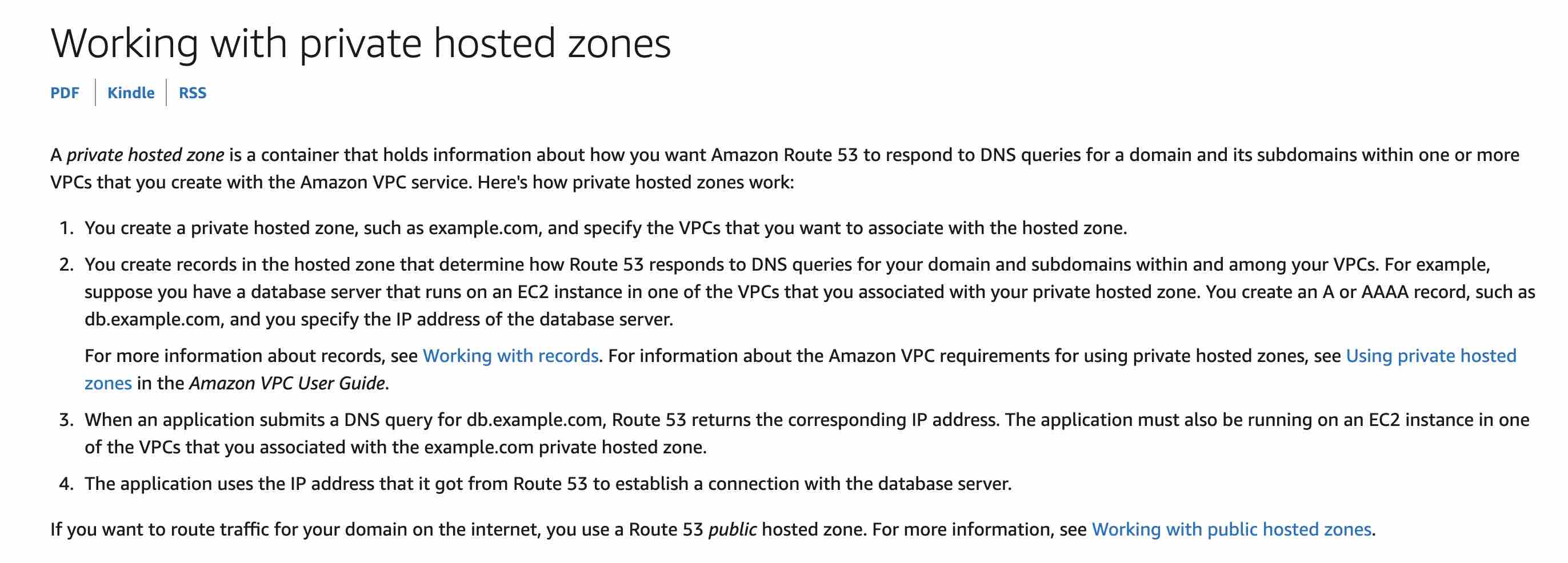
A private hosted zone is a container that holds information about how you want Amazon Route 53 to respond to DNS queries for a domain and its subdomains within one or more VPCs that you create with the Amazon VPC service.
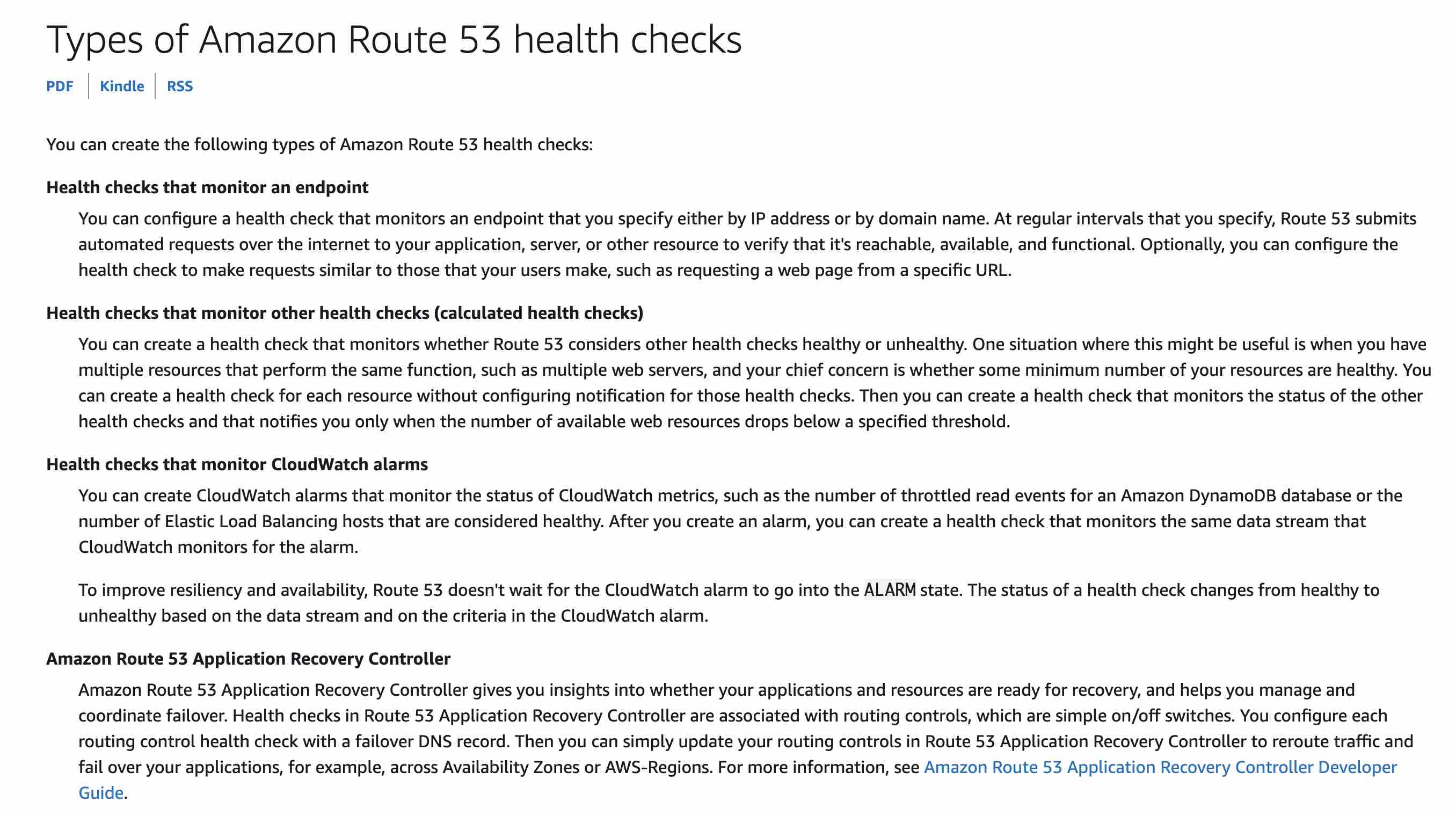
Amazon Route 53 health checks monitor the health and performance of your web applications, web servers, and other resources. Each health check that you create can monitor one of the following:
The health of a specified resource, such as a web server.
The status of other health checks.
The status of an Amazon CloudWatch alarm.
Additionally, with Amazon Route 53 Application Recovery Controller, you can set up routing control health checks with DNS failover records to manage traffic failover for your application.
For the given use-case, you need to create a CloudWatch metric that checks the status of the EC2 StatusCheckFailed metric, add an alarm to the metric, and then create a health check that is based on the data stream for the alarm. To improve resiliency and availability, Route 53 doesn't wait for the CloudWatch alarm to go into the ALARM state. The status of a health check changes from healthy to unhealthy based on the data stream and the criteria in the CloudWatch alarm.
Incorrect options:
Set up a Route 53 health check that monitors an SNS topic which in turn notifies a CloudWatch alarm when the EC2 StatusCheckFailed metric fails - As mentioned above, the Route 53 health checks cannot monitor an SNS topic, so this option is incorrect.
Set up a Route 53 health check to a private IP associated with the instances inside the VPC to be checked - Route 53 health checkers are outside the VPC. To check the health of an endpoint within a VPC by IP address, you must assign a public IP address to the instance in the VPC. Therefore, you cannot set up a Route 53 health check to a private IP associated with an instance.
Set up a CloudWatch metric that checks the status of the EC2 StatusCheckFailed metric and then configure a health check that monitors the status of the metric - Route 53 health checks can monitor CloudWatch alarms. The Route 53 health checks cannot directly monitor the CloudWatch metrics, so this option is incorrect.
References:
https://docs.aws.amazon.com/Route53/latest/DeveloperGuide/dns-failover.html
https://docs.aws.amazon.com/Route53/latest/DeveloperGuide/hosted-zones-private.html
https://docs.aws.amazon.com/Route53/latest/DeveloperGuide/dns-failover-private-hosted-zones.html
https://docs.aws.amazon.com/Route53/latest/DeveloperGuide/health-checks-types.html
Discussion
Think the marked answer is wrong, or have a better explanation? Share it below — comments appear after review.

