
Microsoft Certified Power Platform Fundamentals · Free Practice Question Easy
Question 4
Scenario: Oscorp is a global company belonging to the estranged couple of Norman Osborn and Emily Lyman.
You are working on a new project for Norman and you just created a flow by using Power Automate.
Required: The flow must notify Emily every time a new item is added to a SharePoint list.
Which of the following should you use to ensure an email notification is added to the flow, so that Emily is sent the notification?
-
A
Trigger
-
B
Condition
-
C
Loop
-
D
Action
Reveal correct answer
Correct answer: D
Explanation
An action does something in a flow. In this case, you will use an action to send an email.
Triggers are used to start a flow but do not carry out an action such as sending an email.
A condition specified if a cloud flow should perform a task or set of tasks if the condition value is set to true or false. In this case, no condition is required.
A loop is used to loop through items in a collection. In this case, there is no collection, so no loop is required.
Create a cloud flow in Power Automate
Choose an event to start the flow
First, you will need to select what event, or trigger, starts your flow.
Sign in to Power Automate.
Select Create > Build your own.
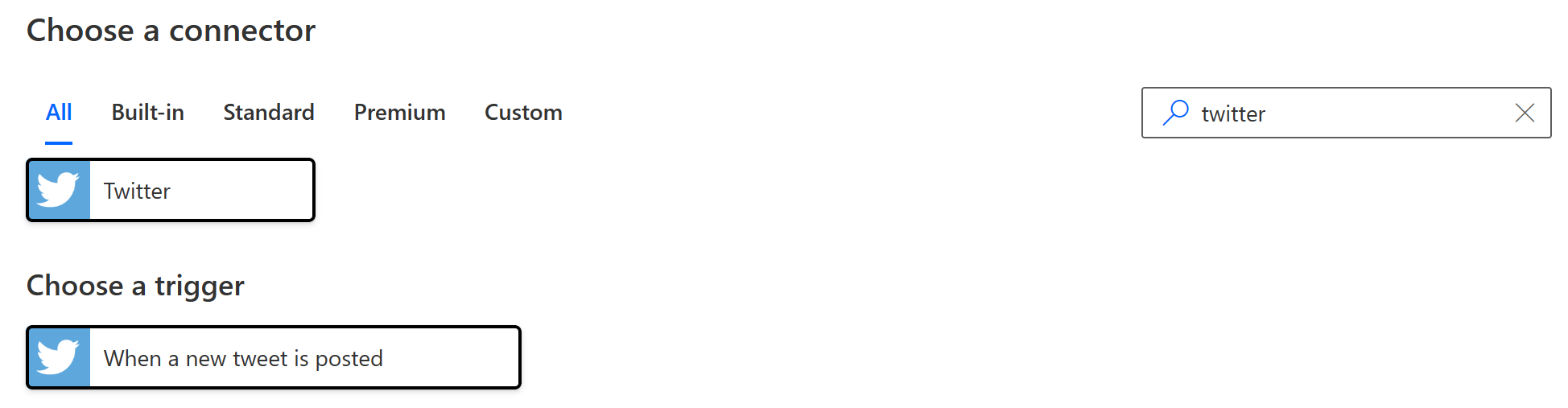
In the Search field, enter Twitter.
In the Choose a connector list, select Twitter.
In the Choose a trigger list, select When a new tweet is posted.
Select Next.
Choose an action
In the Search field, enter send email.
Select Office 365 Outlook.
In the Choose an action list, select Send an email (V2).

Select Next.
If prompted, select the sign-in button, and then provide your credentials.
In the To field, enter your email address in the To field, and then select your name from the dropdown menu.
In the Subject field, enter New tweet from: and then enter a space.
In the Dynamic content list, select Tweeted by to add a placeholder for it.
Select the Body field, and then select Tweet text from the Dynamic content list to add a placeholder for it.

Optionally, you can add more tokens, other text, or both to the body of the email.
Near the top of the screen, select Save.
Test your flow
Send a tweet with the keyword that you indicated, or wait for someone else to post such a tweet.
Within a minute after the tweet is posted, an email message notifies you of the new tweet.
A. Trigger is not the correct choice in this scenario because a Trigger is the starting point of a flow in Power Automate. It defines the event that starts the flow, such as when a new item is added to a SharePoint list. In this case, the requirement is to add an email notification to the flow, which would be achieved through an Action step, not a Trigger.
B. Condition is not the correct choice for this scenario because a Condition step in Power Automate is used to define logical conditions that control the flow of the process based on certain criteria. In this case, the requirement is to add an email notification to the flow to notify Emily, which would be done through an Action step, not a Condition.
C. Loop is not the correct choice in this scenario because a Loop step in Power Automate is used to iterate over a collection of items or perform a specific action multiple times. In this case, the requirement is to add an email notification to the flow to notify Emily every time a new item is added to a SharePoint list, which would be achieved through an Action step, not a Loop.
D. The correct choice is Action because in Power Automate, an Action is a step in the flow that performs a specific task, such as sending an email notification. In this scenario, adding an email notification to notify Emily every time a new item is added to a SharePoint list would require using an Action step to send the email.
Discussion
Think the marked answer is wrong, or have a better explanation? Share it below — comments appear after review.

