
AWS Certified Sysops Administrator Associate · Free Practice Question Medium
Question 45
You operate a technology company that implements the Netflix chaos testing in production. This means that your EC2 instances in production can be terminated at any time, to test the resiliency of your applications. You have been experiencing a lot of 4XXs errors lately on your website that is exposed by a load balancer, and you realize you cannot SSH into the instances that were producing these errors as they have been terminated.
How can you gain access to logs files that describe the list of HTTP requests that were inducing these problems?
-
A
Look at the EC2 default logs in CloudWatch Logs
-
B
Enable the ELB access logs and query them using Athena
-
C
Contact AWS Support to recover the instances
-
D
Use EC2 Rescue and bring back the log files from the wiped EBS volumes
Reveal correct answer
Correct answer: B
Explanation
Correct option:
Enable the ELB access logs and query them using Athena
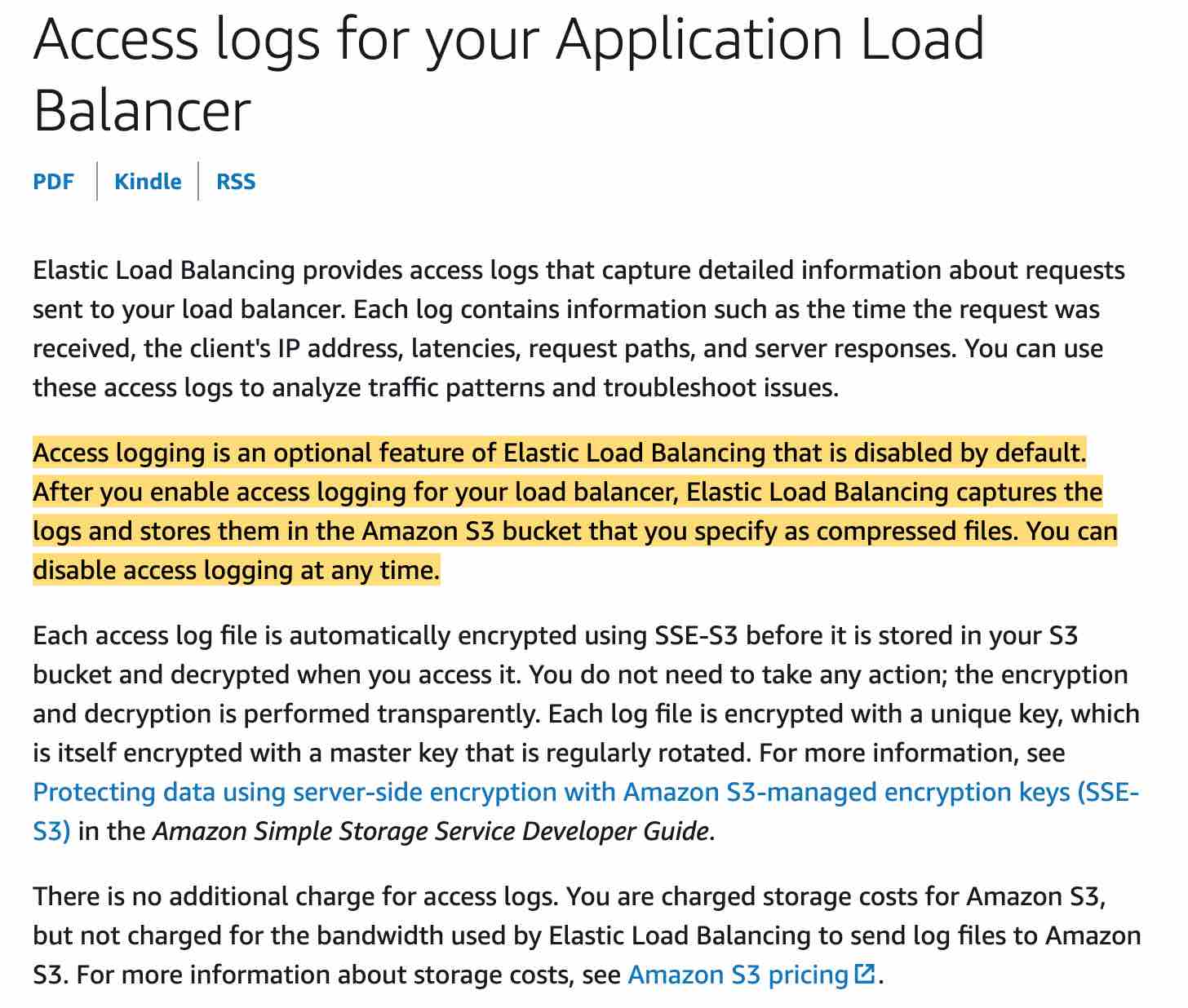
ELB access logs is an optional feature of Elastic Load Balancing that is disabled by default. The access logs capture detailed information about requests sent to your load balancer. Each log contains information such as the time the request was received, the client's IP address, latencies, request paths, and server responses. You can use these access logs to analyze traffic patterns and troubleshoot issues. Each access log file is automatically encrypted using SSE-S3 before it is stored in your S3 bucket and decrypted when you access it. You do not need to take any action; the encryption and decryption is performed transparently.
Amazon Athena is an interactive query service that makes it easy to analyze data directly in Amazon S3 using standard SQL. Athena is serverless, so there is no infrastructure to set up or manage, and customers pay only for the queries they run. You can use Athena to process logs, perform ad-hoc analysis, and run interactive queries.
For the given use-case, you can enable ELB access logs and then use Athena to analyze the 4XX errors from the log files stored in S3.
Incorrect options:
Use EC2 Rescue and bring back the log files from the wiped EBS volumes - EC2Rescue for Linux is an easy-to-use, open-source tool that can be run on an Amazon EC2 Linux instance to diagnose and troubleshoot common issues using its library of over 100 modules. A few generalized use cases for EC2Rescue for Linux include gathering syslog and package manager logs, collecting resource utilization data, and diagnosing/remediating known problematic kernel parameters and common OpenSSH issues.
Since the use-case mentions that the instances have been terminated, so this tool cannot be used for such analysis.
Contact AWS Support to recover the instances - You cannot recover terminated EC2 instances.
Look at the EC2 default logs in CloudWatch Logs There are no default logs for EC2 in CloudWatch Logs. You need to set up the CloudWatch Agent to collect logs from Amazon EC2 instances and on-premises servers, running either Linux or Windows Server.
Reference:
https://docs.aws.amazon.com/elasticloadbalancing/latest/application/load-balancer-access-logs.html
https://docs.aws.amazon.com/AWSEC2/latest/UserGuide/Linux-Server-EC2Rescue.html
https://docs.aws.amazon.com/AmazonCloudWatch/latest/monitoring/Install-CloudWatch-Agent.html
Discussion
Think the marked answer is wrong, or have a better explanation? Share it below — comments appear after review.

